


“One frustration we have with other tools is that you see the numbers and that's it. With UXCam, you see the numbers and you can take it a step further and dive deep into the reasons.”

Daniel TomlinsonCosta Coffee

Issue analytics
See exactly what happened before every crash. Get the stack trace, and see how many users it’s affecting.

Leader in product analytics

Market Leading SDK

Tagless autocapture

Combined insights
 4.6
4.6 4.8
4.8 4.6
4.6Replicate issues
Watch the session and see what led up to the issue.
 Watch the exact session where the bug happenedSee the device, OS and app version on every sessionSee the taps that led up to the crash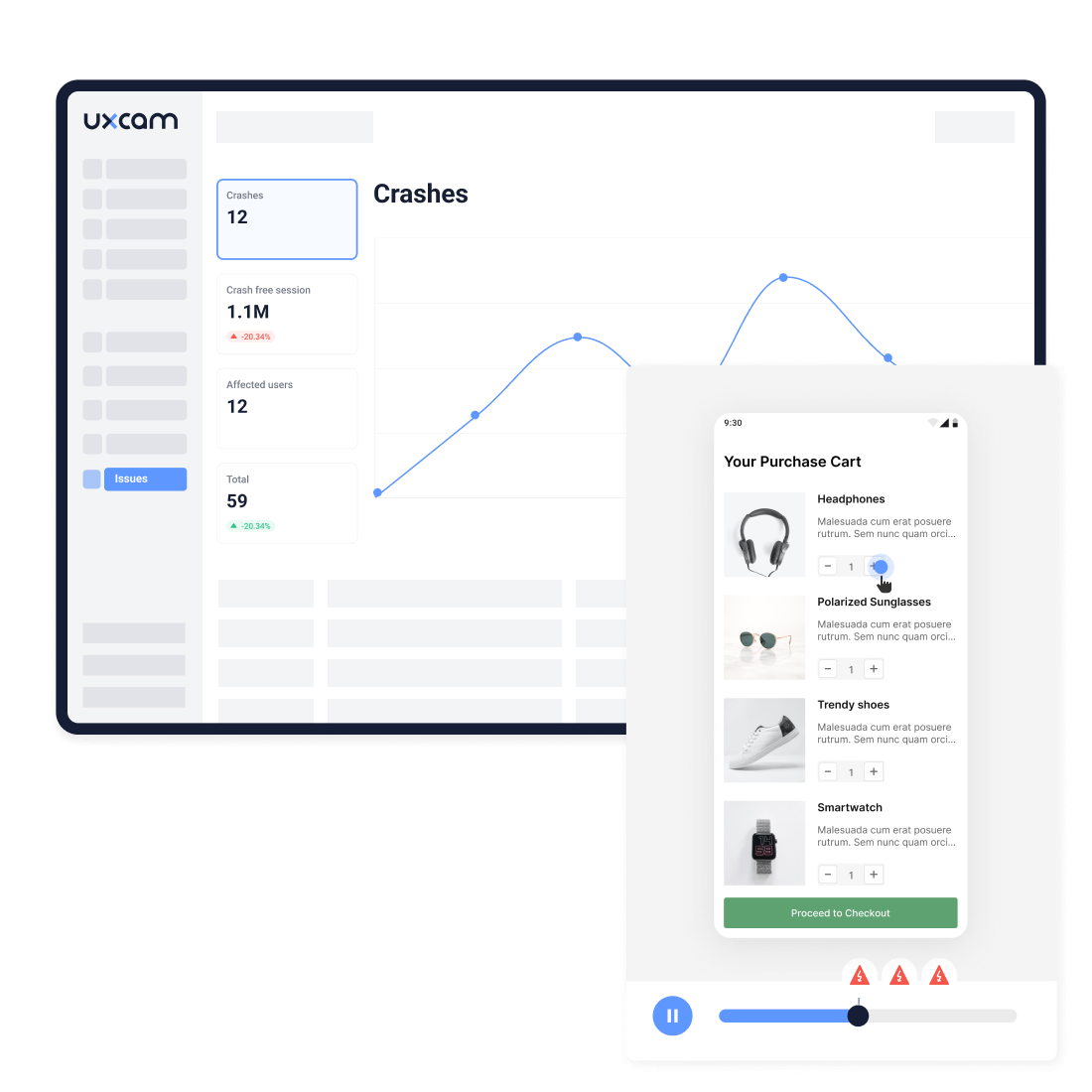
Catch rage and frustration signals
Not every issue ends in a crash. See where users get frustrated, and fix it fast.
Spot rage taps on buttons that never respondedCatch dead taps and repeated failed gesturesFind the screens where it happens, then watch the replay to see why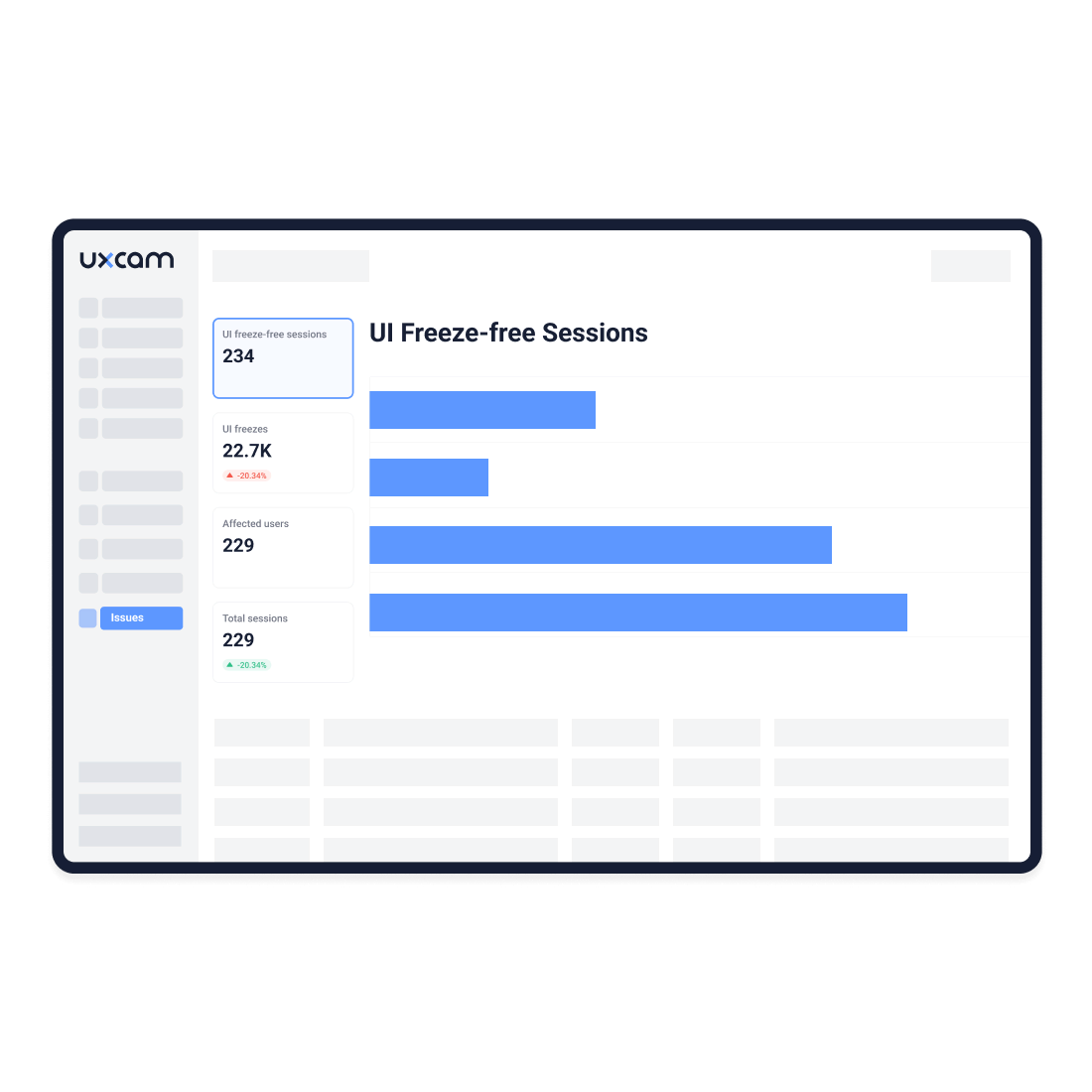
Get stack traces
Get everything you need to fix crashes.
Open the full stack trace next to the replayBreak down crashes by version, device or OSCheck which users and screens each crash hit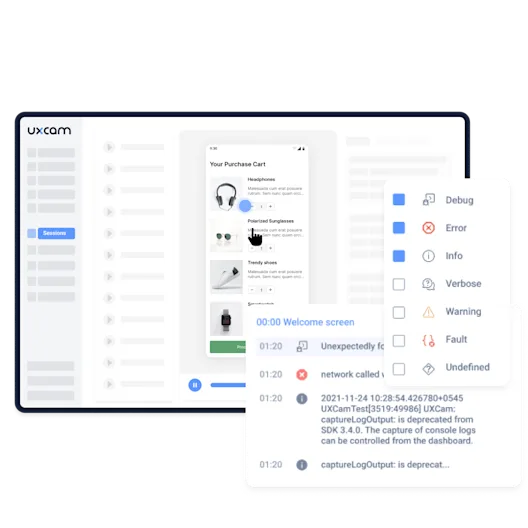
Get alerts
Alerts land in Slack or Microsoft Teams the moment it happens.
Set a threshold on crash or UI freeze rateGet alerted on a new crash, and again as it growsJump from the alert straight into the sessions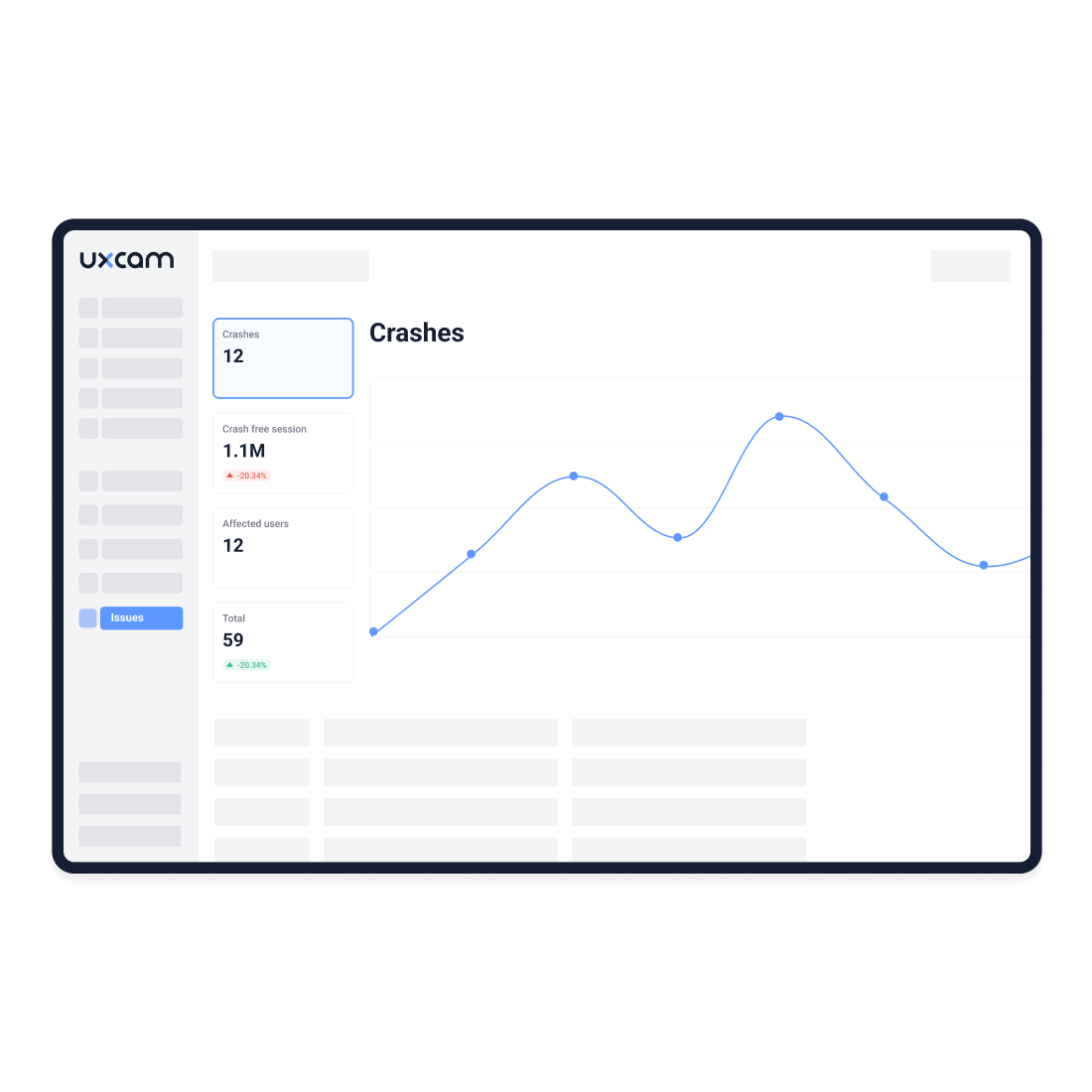
At UXCam, we built privacy into our services so you can improve the user experience with peace of mind. With our privacy features, you can blur and mask:
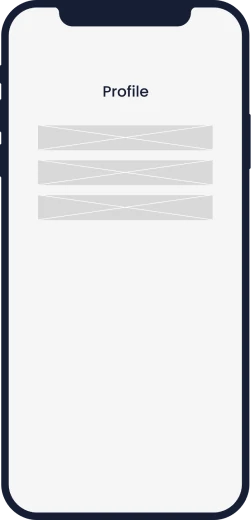
when you need to hide a specific section of your screen.
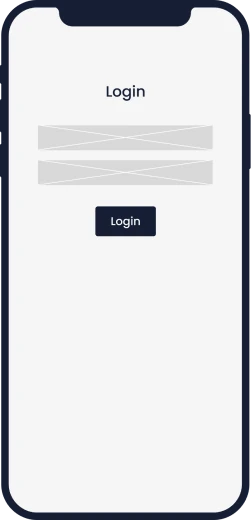
when you only collect PII data with text fields.
when you need to hide the whole screen.


We strictly adhere to a non-recording policy of any PII (Personally Identifiable Information) and provide API methods to hide PII and sensitive information.
Learn more about our privacy featuresMeet with an expert to discuss your app, website, and goals.
Start capturing data instantly.
Try all features before you commit on a plan.
“One frustration we have with other tools is that you see the numbers and that's it. With UXCam, you see the numbers and you can take it a step further and dive deep into the reasons.”

UXCam's lightweight SDK ensures smooth app performance. Video recordings are done on a background thread to maintain responsiveness. Data is uploaded when the app goes into the background.

Our legally compliant architecture keeps your data safe. We automatically block sensitive fields and provide you with the right tools to prevent sensitive data from ever leaving your user's device.

You can seamlessly integrate your existing analytics tools with UXCam. This allows you to build the perfect analytics stack for understanding user behavior by connecting the right set of solutions.


Academy
 9 lessons
 29min
29min Certificate
Learn UXCam in short video lessons: your daily check-in, Tara, replays, heatmaps, dashboards, events and the UXCam MCP. Free, with a LinkedIn certificate.
 21 lessons2h 7minCertificate
Enroll in the free Mobile App Product Management Certification course to master mobile product management, from discovery and metrics to release planning.
Book a demo with an expert. Explore all features.





